Avada Recent Posts Element Examples

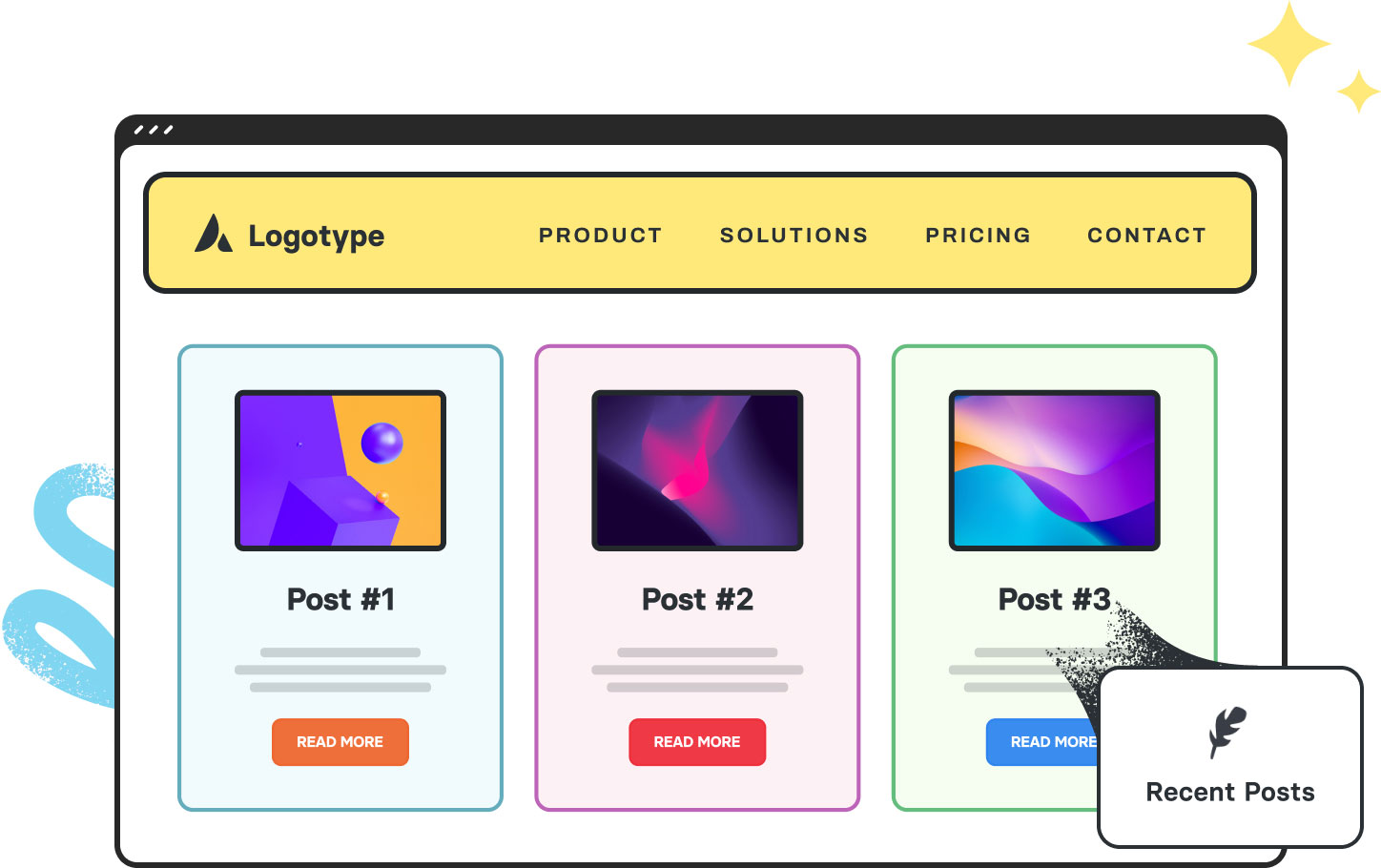
The Avada Recent Posts Element allows you to showcase your latest blog posts in various layouts, ranging from simple lists to styled grids or carousels. With options for featured images, titles, excerpts, metadata, and filtering, it provides a dynamic way to keep content fresh and guide visitors toward your newest or most relevant articles.


  • Avada Security

Version 7.15.4 Security Update

By |June 2nd, 2026|Avada|0 Comments

We have released Avada 7.15.4, delivering an array of exciting new features, improvements, and fixing four security issues: SECURITY: Fixed a possible arbitrary file deletion via a form entry value in Avada Forms. SECURITY: Fixed a...

  • Avada One Logo

A New Chapter for Avada

By |May 28th, 2026|Avada|0 Comments

It's been a while since our last roadmap update in October 2025, and we know many of you have been wondering what's next. Before anything else, we want to acknowledge that directly. The gap in...

This Avada Recent Posts Element is set up as follows: Layout (Standard), Picture Size (Fixed), Hover Type (Zoom In), Number of Columns (2), Posts Per Page (2), Post Status (Published), Post Offset (0), Pull Posts By (Category), Show Thumbnail (Yes), Show Title (Yes), Title Size (H3), Show Meta (Yes), Show Author Name (Yes), Show Categories (Yes), Show Date (Yes), Show Comment Count (Yes), Show Tags (No), Content Alignment (Textflow), Text Display (Excerpt), Excerpt Length (35 Words), Strip HTML (Yes), and Pagination Type (No Pagination).

This Avada Recent Posts Element is set up as follows: Layout (Standard), Picture Size (Fixed), Hover Type (Lift Up), Number of Columns (3), Posts Per Page (3), Post Status (Published), Post Offset (3), Pull Posts By (Category), Show Thumbnail (Yes), Show Title (Yes), Title Size (H3), Font (Custom), Show Meta (No), Content Alignment (Textflow), and Pagination Type (No Pagination).

This Avada Recent Posts Element is set up as follows: Layout (Thumbnails On Side), Picture Size (Fixed), Hover Type (Zoom In), Number of Columns (1), Posts Per Page (3), Post Status (Published), Post Offset (6), Pull Posts By (Category), Show Thumbnail (Yes), Show Title (Yes), Title Size (H4), Show Meta (Yes), Show Author Name (No), Show Categories (No), Show Date (Yes), Show Comment Count (Yes), Show Tags (No), Text Display (None), and Pagination Type (No Pagination).

1410, 2024
How to Use the Avada Column Element

The Avada Column Element is pivotal in designing responsive and structured content...

Examples can include the individual option values set for that particular instance; however, in some cases, not all Element variations can be shown as they may be too numerous. Where a live example cannot be shown, an image representation will be used as a substitute. For more detailed information, please refer to the related Element documentation and videos.
Avada Progress Bar Element Featured ImageProgress Bar
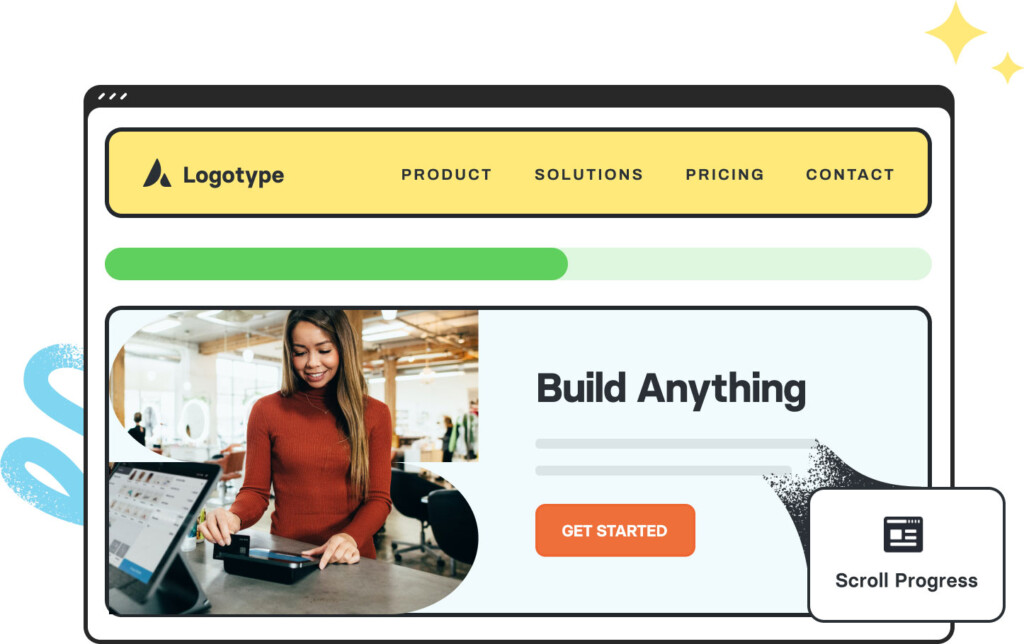
Avada Scroll Progress Element Featured ImageScroll Progress