Avada Blog Element Examples
The Avada Blog Element dynamically showcases your blog posts in a variety of layouts—grid, masonry, timeline, carousel—so you can filter by categories, tags, or authors and choose what metadata (date, author, excerpt etc.) appears; it blends content curation with design flexibility to present your stories in the look and format that aligns with your brand.
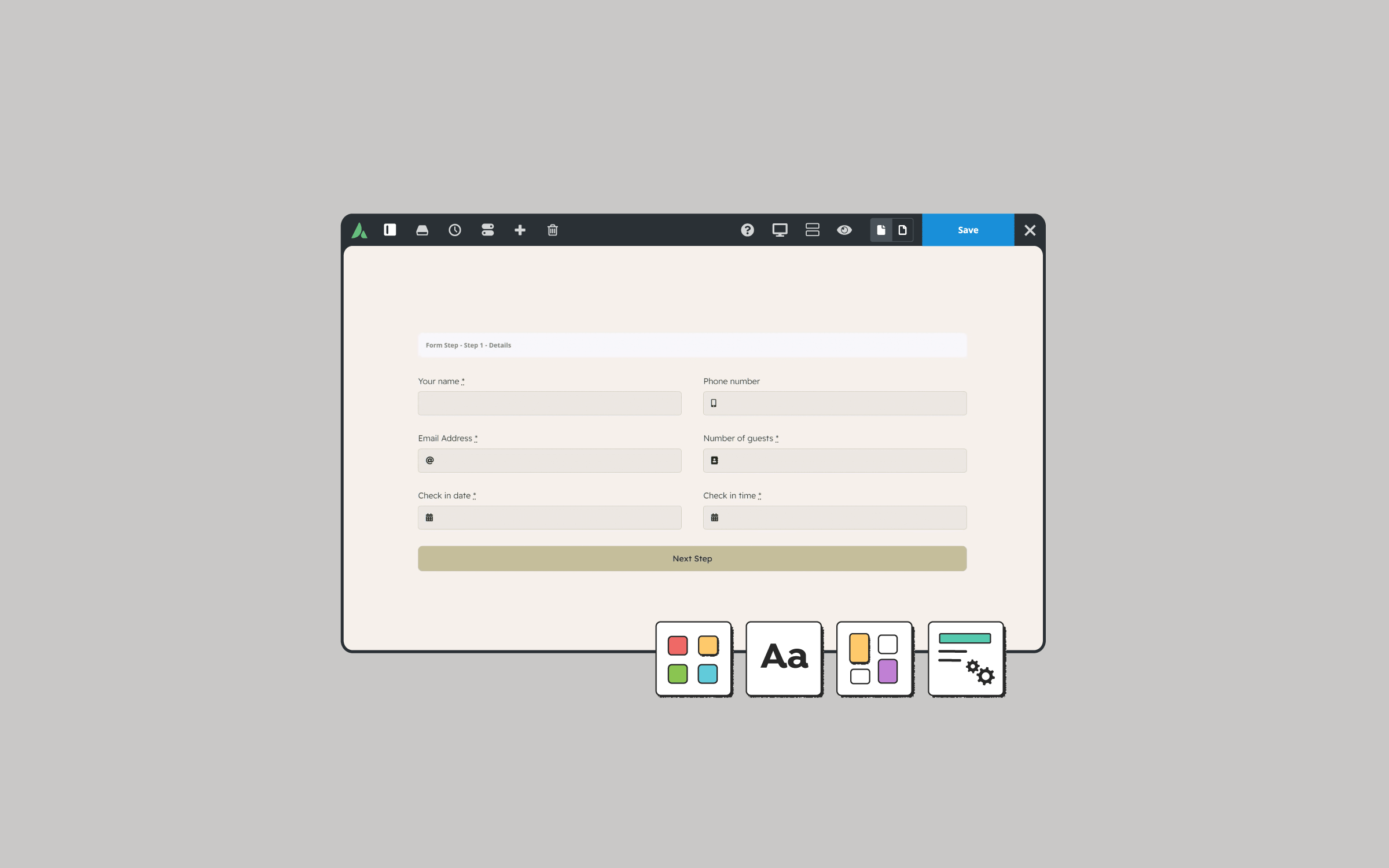
How To Design WordPress Multi-Step Forms With Avada
By |2026-02-09T11:05:55+00:00February 2nd, 2026|Avada Form Builder|
Forms are a key part of almost every...
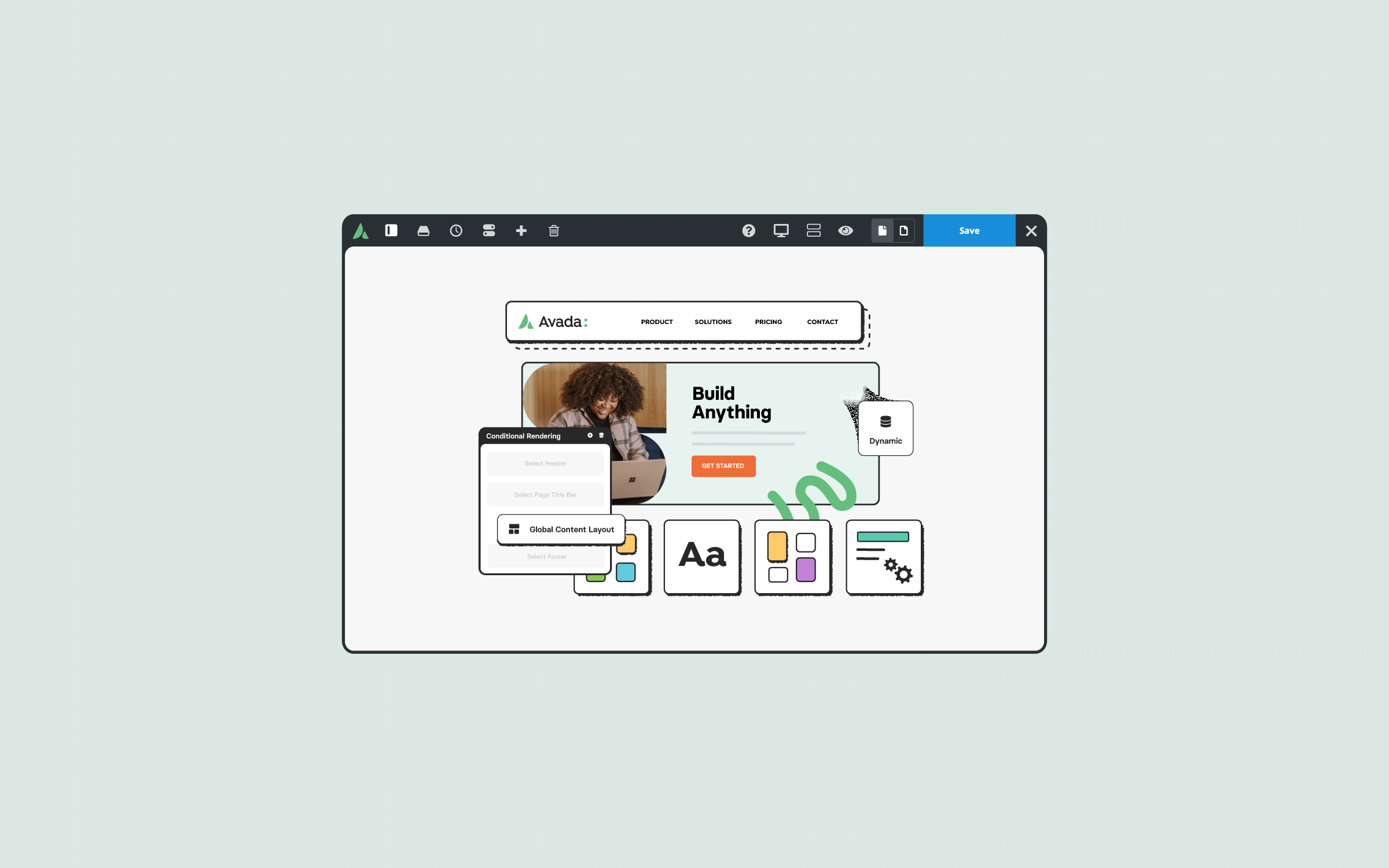
How to Use Avada Conditional Rendering in Web Design
By |2026-01-27T12:08:21+00:00January 27th, 2026|Avada Builder|
Avada Conditional Rendering is a powerful feature. For...
The Avada Blog Element is set up as follows: Posts Per Page (3), Post Status (Published), Post Offset (8), Pull Posts By (Category), Categories, Exclude Categories, Order By (Date), Order (Descending), Show Thumbnail (Yes), Show Title (Yes), Content Display (Excerpt), Excerpt Length (8 Words), Strip HTML From Posts Content (Yes), Show Meta Info (Yes), Show Author Name (Yes), Show Categories (Yes), Show Comment Count (Yes), Show Date (Yes), Show Read More Link (Yes), Show Tags (No), Blog Layout (Grid), Number of Columns (3), Column Spacing (40px), Equal Heights (Yes), Title Size (H3), Link Title to Post (No), Content Alignment (Left), Pagination Type (Pagination), Grid Box Color, Grid Element Color, Grid Separator Style (No Style), Blog Grid Text Padding, and Margin.

What Are Breadcrumbs In Web Design?
When navigating a large WordPress website, visitors can easily lose track of where they are. That’s where breadcrumbs come in. In web design, a breadcrumb is a secondary navigation aid...
How to Use The Avada Text Path Element
The Avada Text Path Element is a creative Design Element that allows you to place text along a predefined or custom path. Instead of being limited to straight lines, your...
The Avada Blog Element is set up as follows: Posts Per Page (2), Post Status (Published), Post Offset (0), Pull Posts By (Category), Categories, Exclude Categories, Order By (Date), Order (Descending), Show Thumbnail (Yes), Show Title (Yes), Content Display (Excerpt), Excerpt Length (30 Words), Strip HTML From Posts Content (Yes), Show Meta Info (Yes), Show Author Name (Yes), Show Categories (Yes), Show Comment Count (Yes), Show Date (Yes), Show Read More Link (Yes), Show Tags (No), Blog Layout (Medium), Title Size (H3), Font (Custom), Link Title to Post (No), Pagination Type (No Pagination), and Margin.

A New Chapter for Avada
It's been a while since our last roadmap update in October 2025, and we know...
A New Chapter for Avada
It's been a while since our last roadmap update in...
December 2025

How to Create a Dynamic Off-Canvas Popup for Avada Post Cards
By |2025-12-19T10:33:25+00:00December 19th, 2025|Avada|
If you are looking for...

Boost Website Performance with WebP and AVIF Images in Avada
By |2025-12-09T14:38:50+00:00December 9th, 2025|Avada|
As of 2025, website speed...

Avada Conditional Rendering Explained
By |2026-01-19T22:20:15+00:00December 2nd, 2025|Avada Builder|
If you are looking...
November 2025
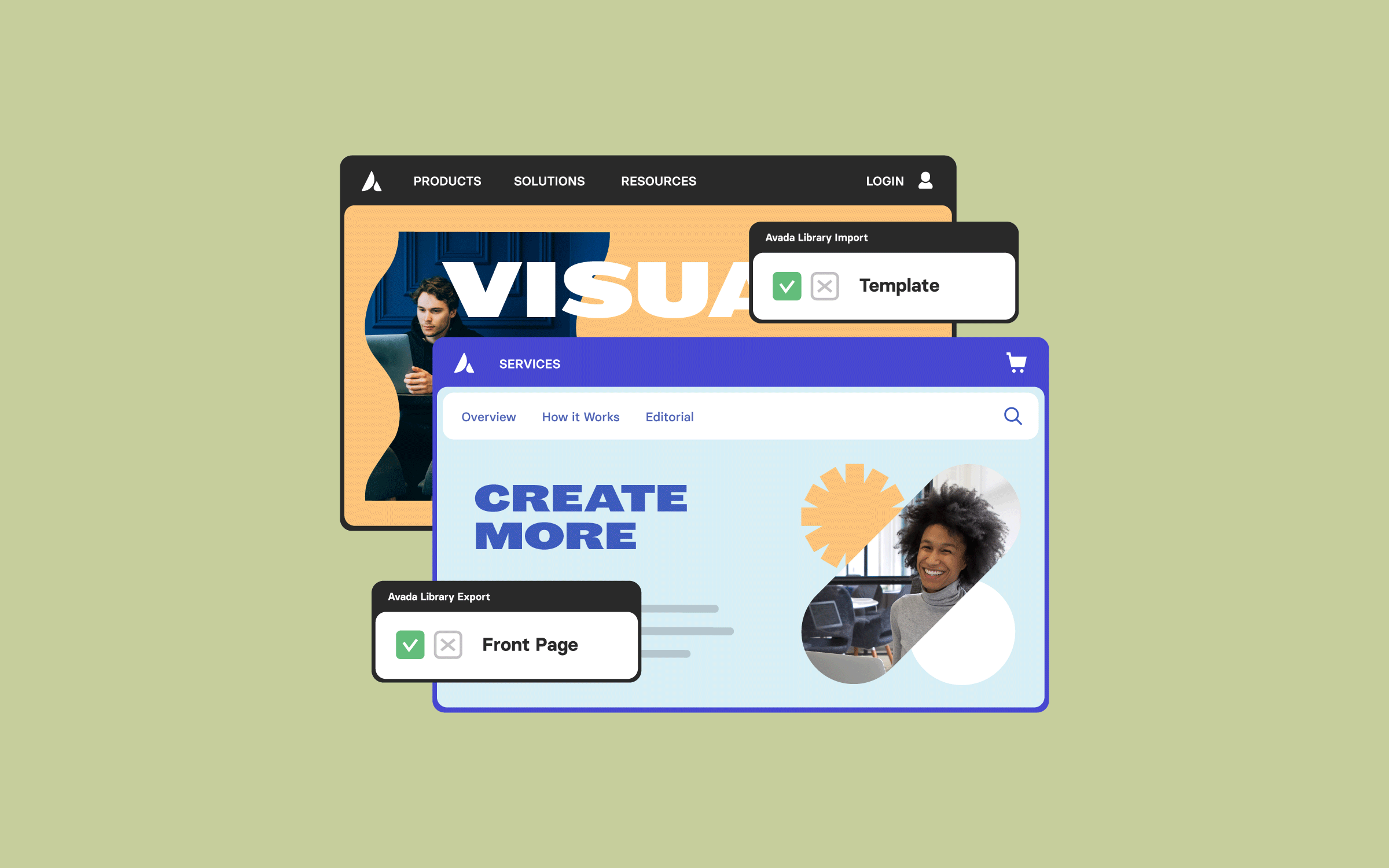
How to Import & Export Avada Builder Library Content
By |2025-11-10T12:36:18+00:00November 10th, 2025|Avada Builder|
If you’ve ever built something...
October 2025

How To Use Avada Dynamic Data For Websites
By |2025-10-27T09:38:21+00:00October 27th, 2025|Avada|
If you want to elevate...
The Avada Blog Element is set up as follows: Posts Per Page (5), Post Status (Published), Post Offset (10), Pull Posts By (Category), Categories, Exclude Categories, Order By (Date), Order (Descending), Show Thumbnail (Yes), Show Title (Yes), Content Display (Excerpt), Excerpt Length (5 Words), Strip HTML From Posts Content (Yes), Show Meta Info (Yes), Show Author Name (Yes), Show Categories (Yes), Show Comment Count (Yes), Show Date (Yes), Show Read More Link (Yes), Show Tags (No), Blog Layout (Timeline), Title Size (H3), Link Title to Post (Yes), Content Alignment (Textflow), Pagination Type (No Pagination), Grid Box Color, Grid Element Color, Grid Separator Style (Single Border Solid), Blog Grid Text Padding, and Margin.

Overview: Connect Avada Forms With Google Sheets

How to Add an Auto Reply Notification in Avada Forms
Avada Roadmap: October (2025) Progress Update
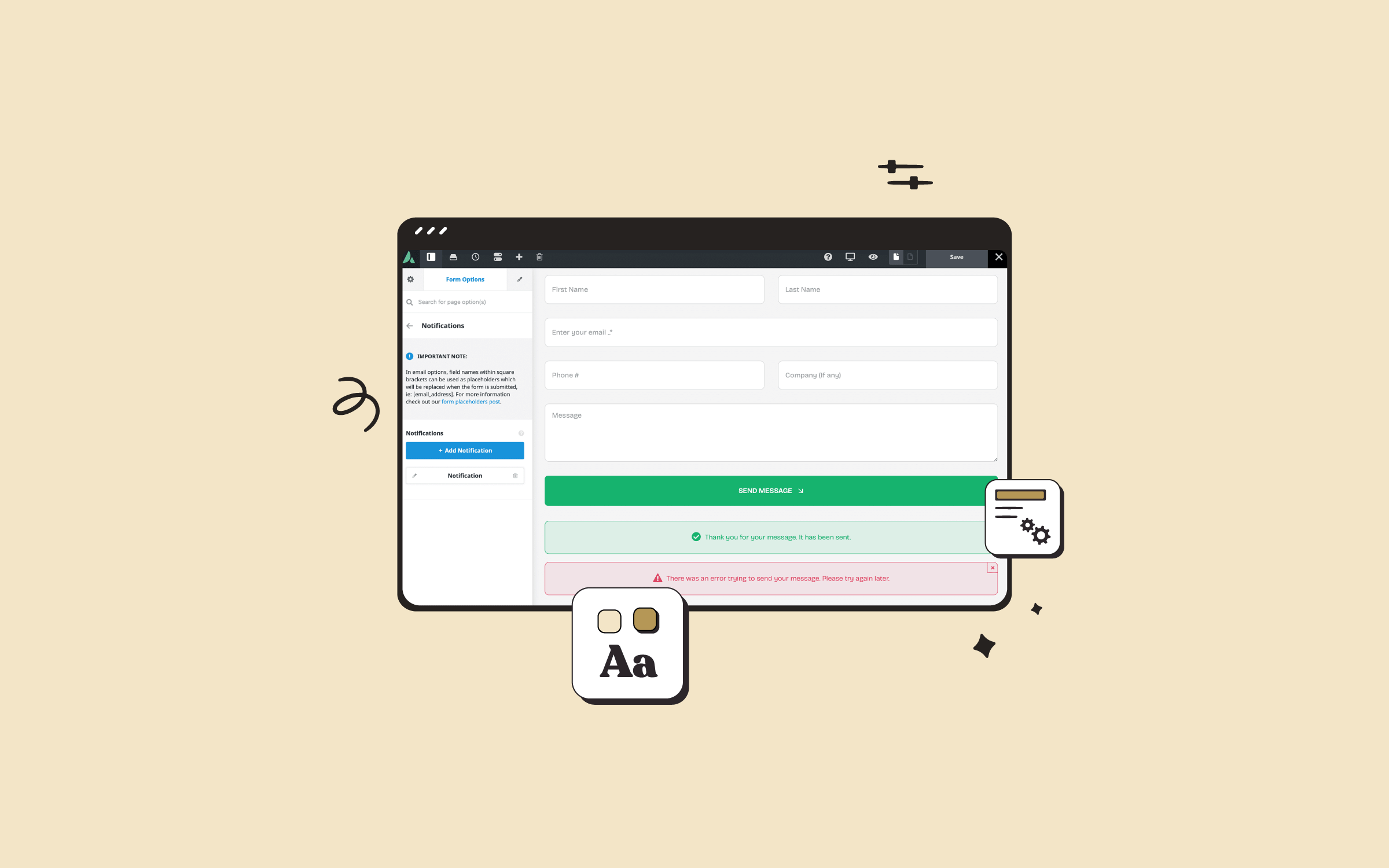
How to Use Notifications in Avada Forms
The Avada Blog Element is set up as follows: Posts Per Page (4), Post Status (Published), Post Offset (16), Pull Posts By (Category), Categories, Exclude Categories, Order By (Date), Order (Descending), Show Thumbnail (Yes), Show Title (Yes), Content Display (No Text), Show Meta Info (No), Blog Layout (Masonry), Number of Columns (2), Column Spacing (20px), Masonry Image Aspect Ratio (1.0), Masonry 2X2 Width (2000), Title Size (H4), Font (Custom), Link Title to Post (No), Content Alignment (Center), and Pagination Type (No Pagination).
Examples can include the individual option values set for that particular instance; however, in some cases, not all Element variations can be shown as they may be too numerous. Where a live example cannot be shown, an image representation will be used as a substitute. For more detailed information, please refer to the related Element documentation and videos.