Woo Add To Cart Element
Last Update: February 11, 2026
The Avada Woo Add to Cart Element adds an e-commerce cart button to a WooCommerce product layout, enabling customers to add items directly to their shopping cart. It connects to the product being displayed and can show variations, quantities, and pricing as required.
Watch the video below for a visual overview of Avada Layout Elements, and view the Avada Woo Add to Cart Element page. Read on to see the complete list of options.
How To Use The Avada Woo Add To Cart Element
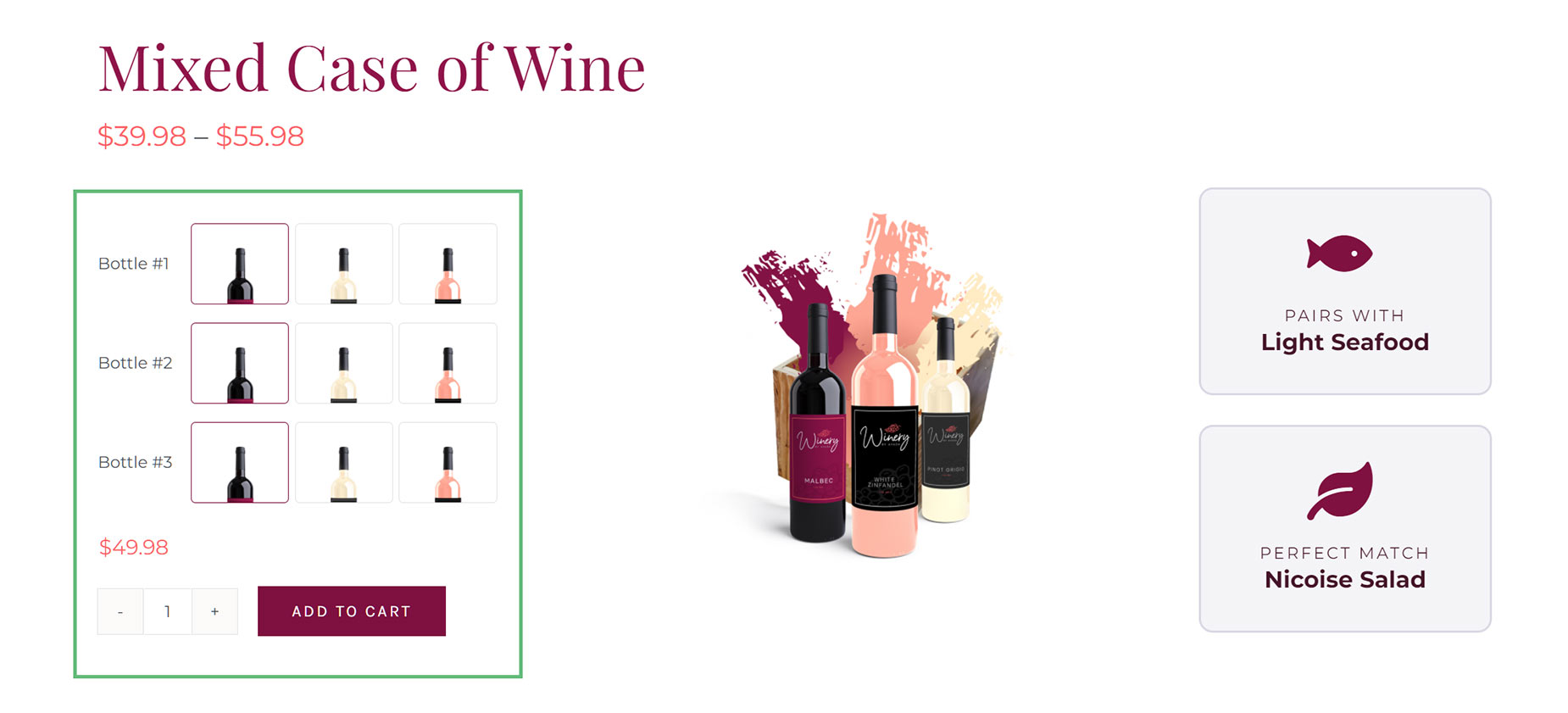
The Avada Woo Add To Cart Element allows you to add an Add To Cart button anywhere within a single product page. There are significant styling and configuration options, as shown in the options below; yet, for a simple product, the defaults will likely be sufficient.
Element Options
Note: The displayed options screens below show ALL the available options for the Element. If you have Avada’s Option Network Dependencies turned on, you will only see options relevant to your selections, and so the options screen may look somewhat different.